Design
Customize the visual style of your community without rebuilding the site from scratch.
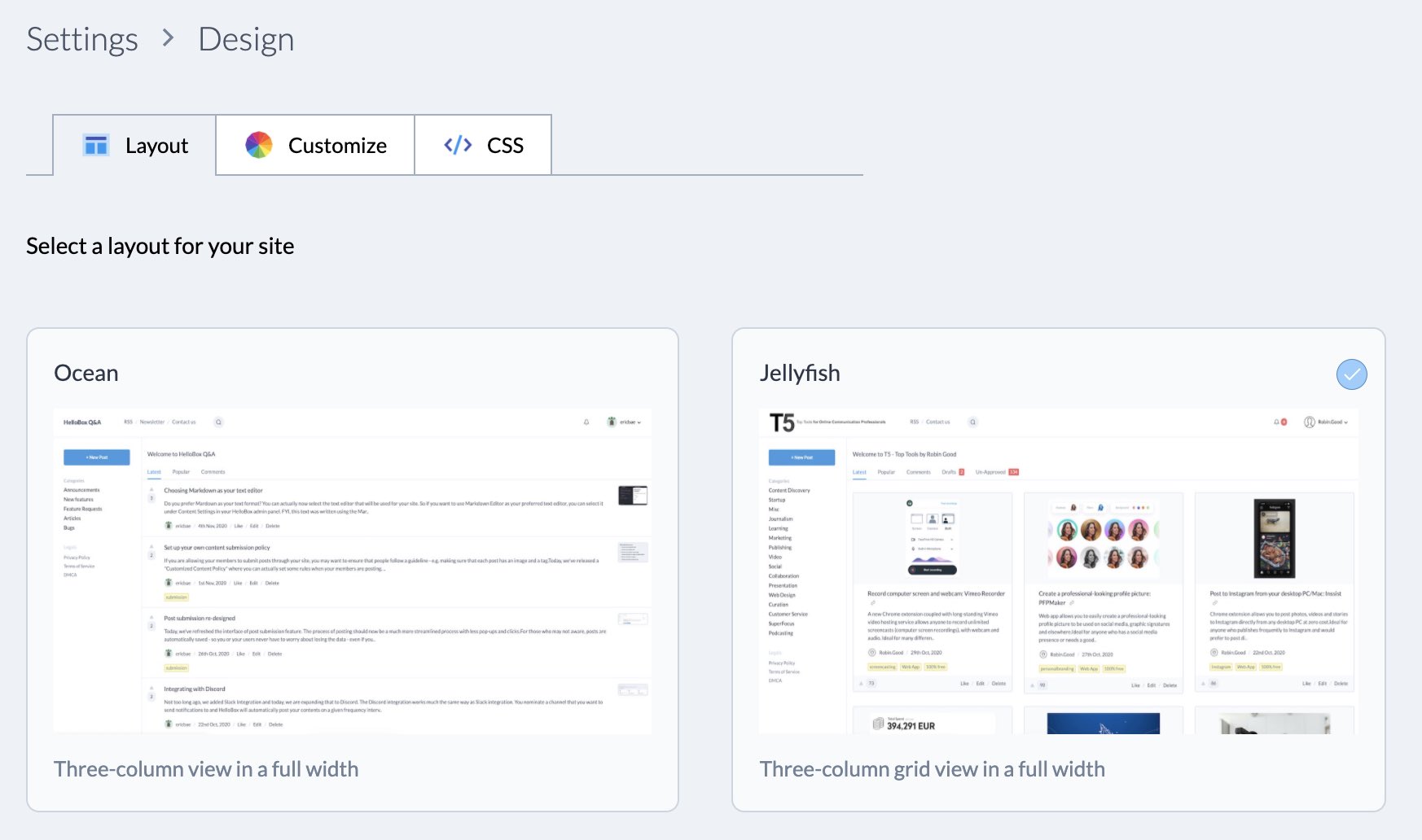
Start with a layout
Layouts control the broad structure of your site. Choose the layout that best matches your community, then refine the colors and typography from the design settings.
Customize core elements
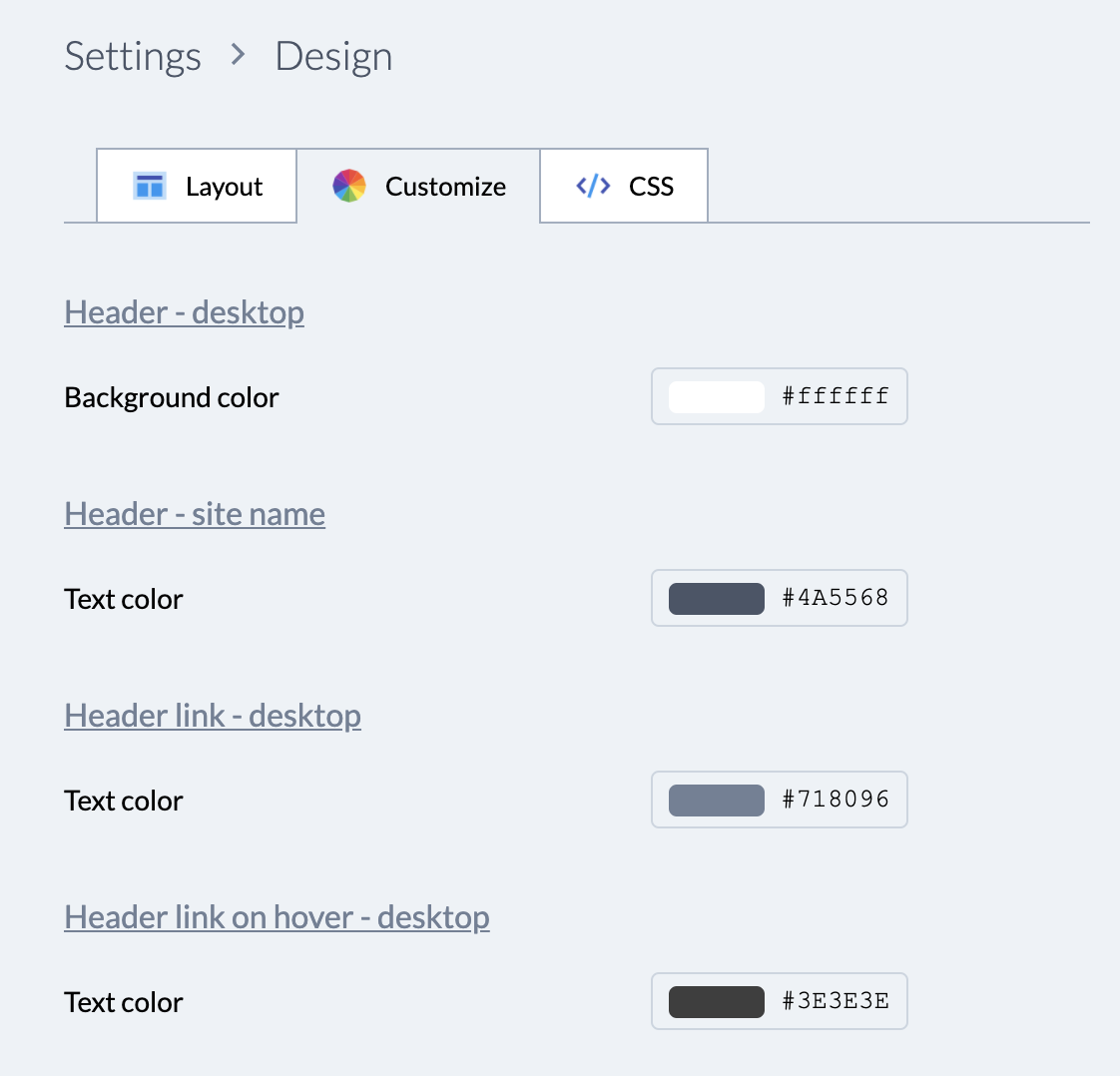
The customize tab lets you adjust visual details such as background colors, text colors, and hover states.
Style individual elements
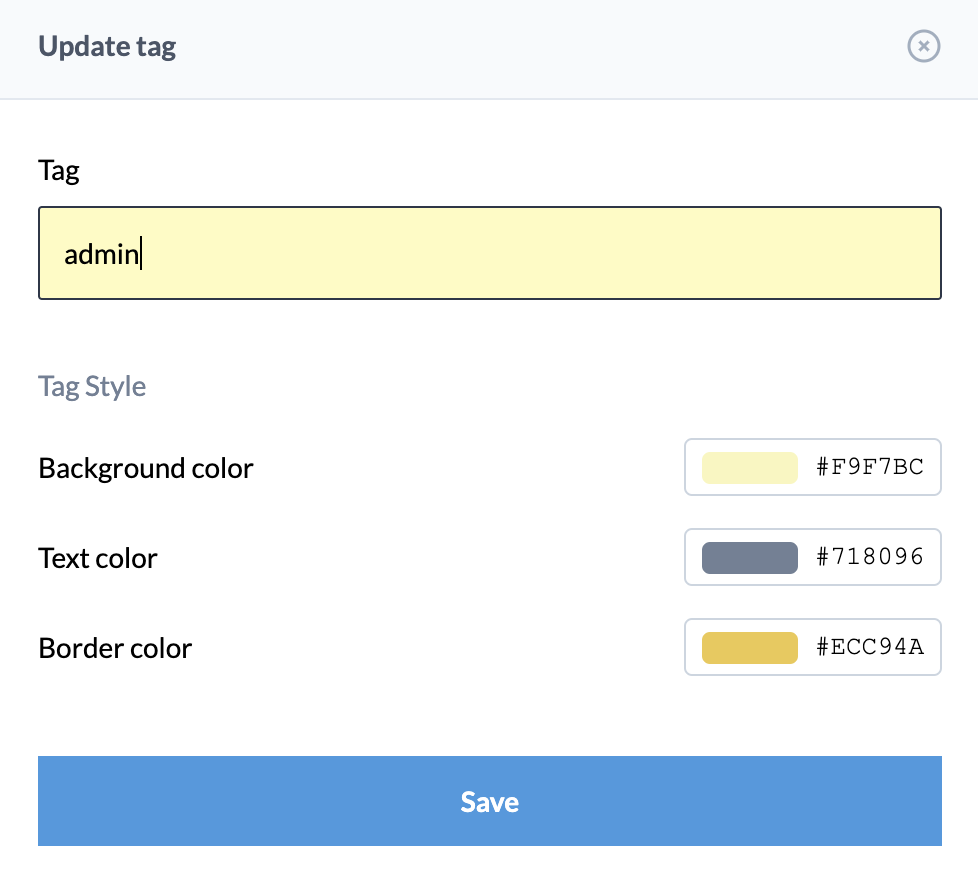
Some items can be styled individually. For example, you can set custom tag styling from the tag settings when a specific topic needs to stand out.