Discord
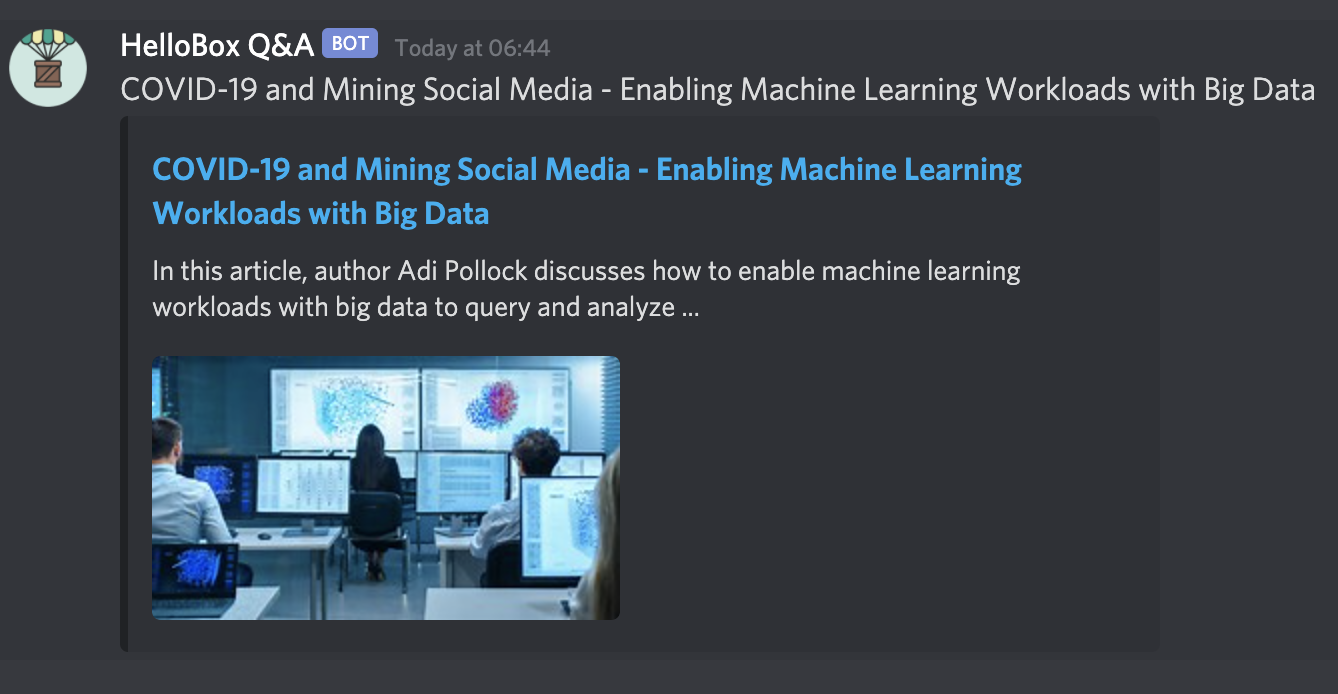
Post community updates into a Discord channel using a channel webhook.
How the Discord integration works
Discord webhooks let HelloBox send updates into a channel without requiring a custom bot. Use this when Discord is where your community already gathers.
Create a channel webhook
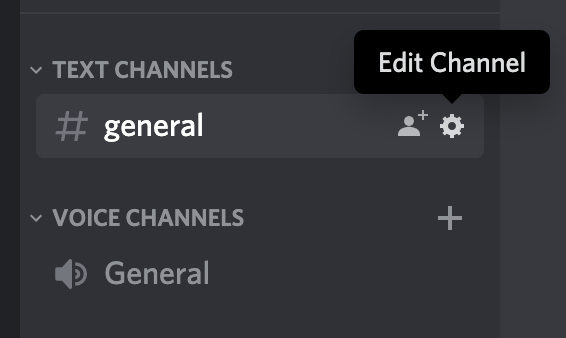
- Open Discord and choose the channel that should receive updates.
- Open the channel settings.
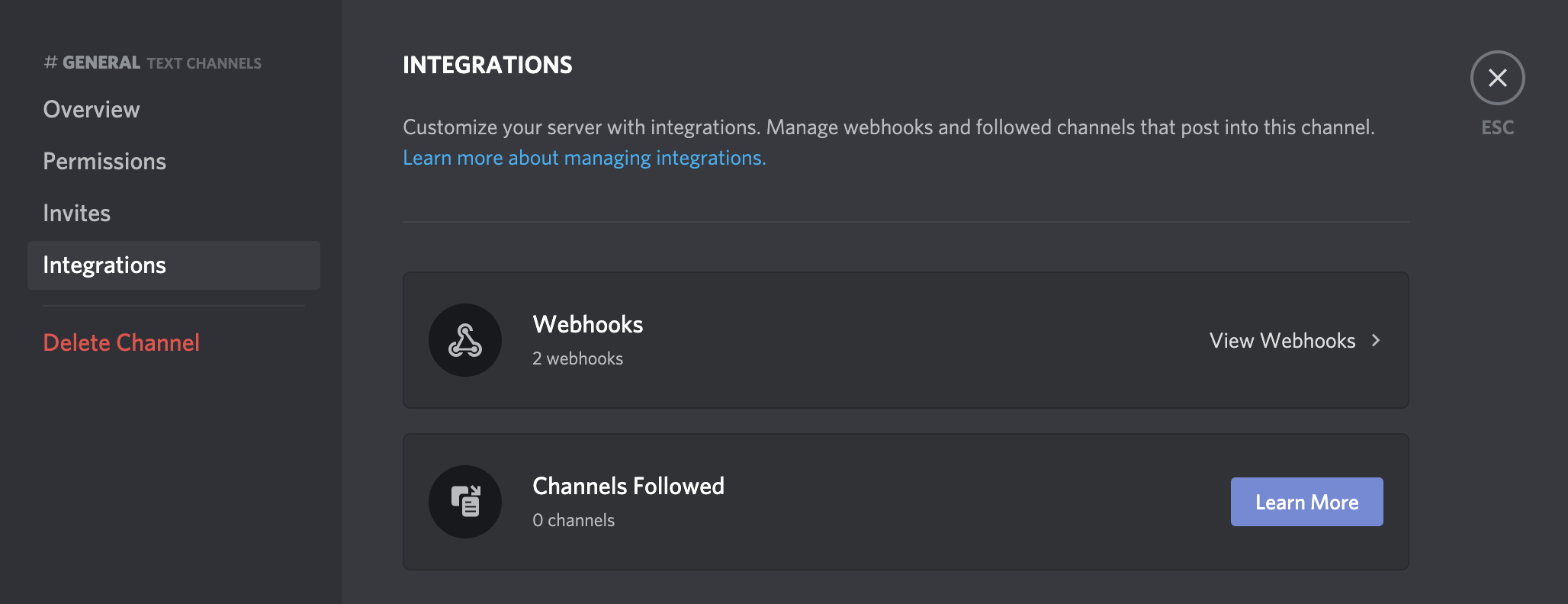
- Go to Integrations then Webhooks.
- Create a webhook and copy the webhook URL.
Add the webhook to HelloBox
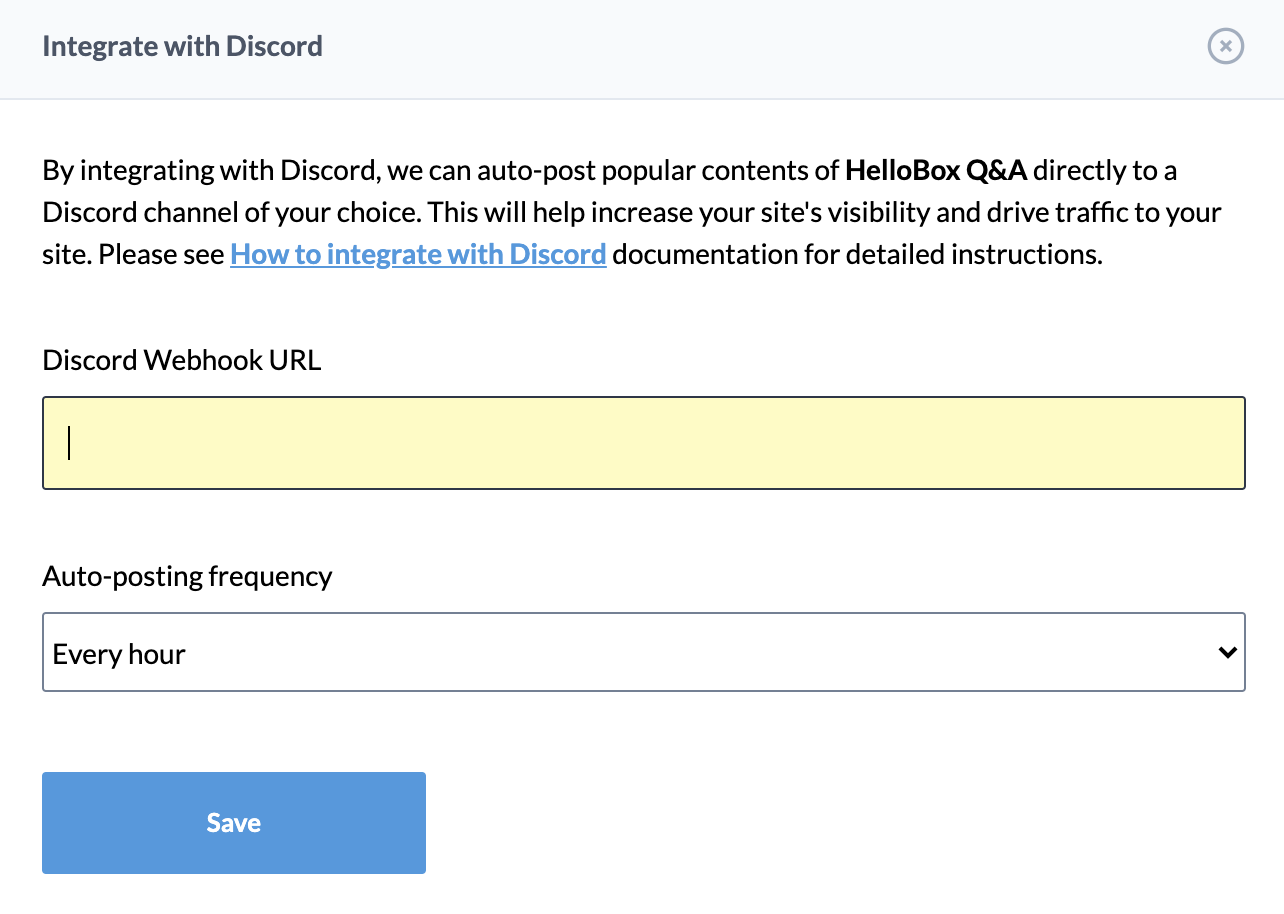
- Open Integrations in the admin panel.
- Select Discord.
- Paste the webhook URL.
- Choose the posting frequency.
- Save the integration.