
X / Twitter
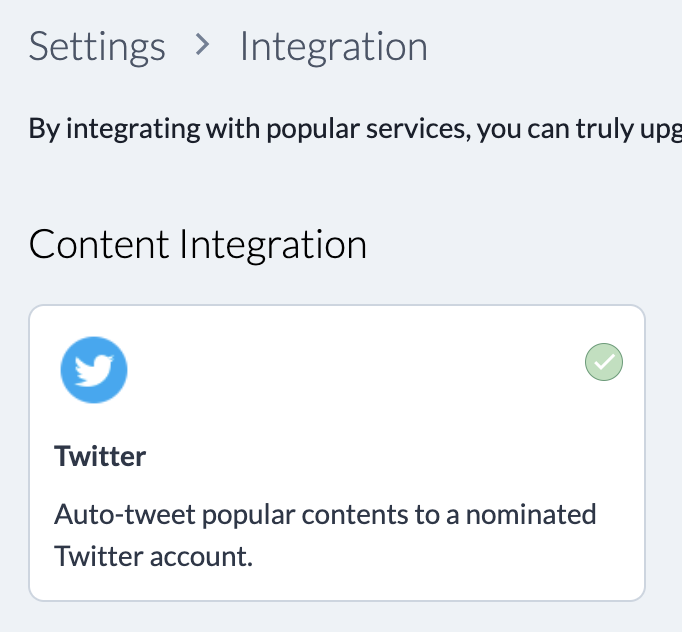
Connect your community to X / Twitter so selected content can be shared automatically.
What the integration does
The X / Twitter integration helps you distribute new or popular posts from your community to a connected account. Use it when social distribution is part of your audience-building workflow.
Connect the account
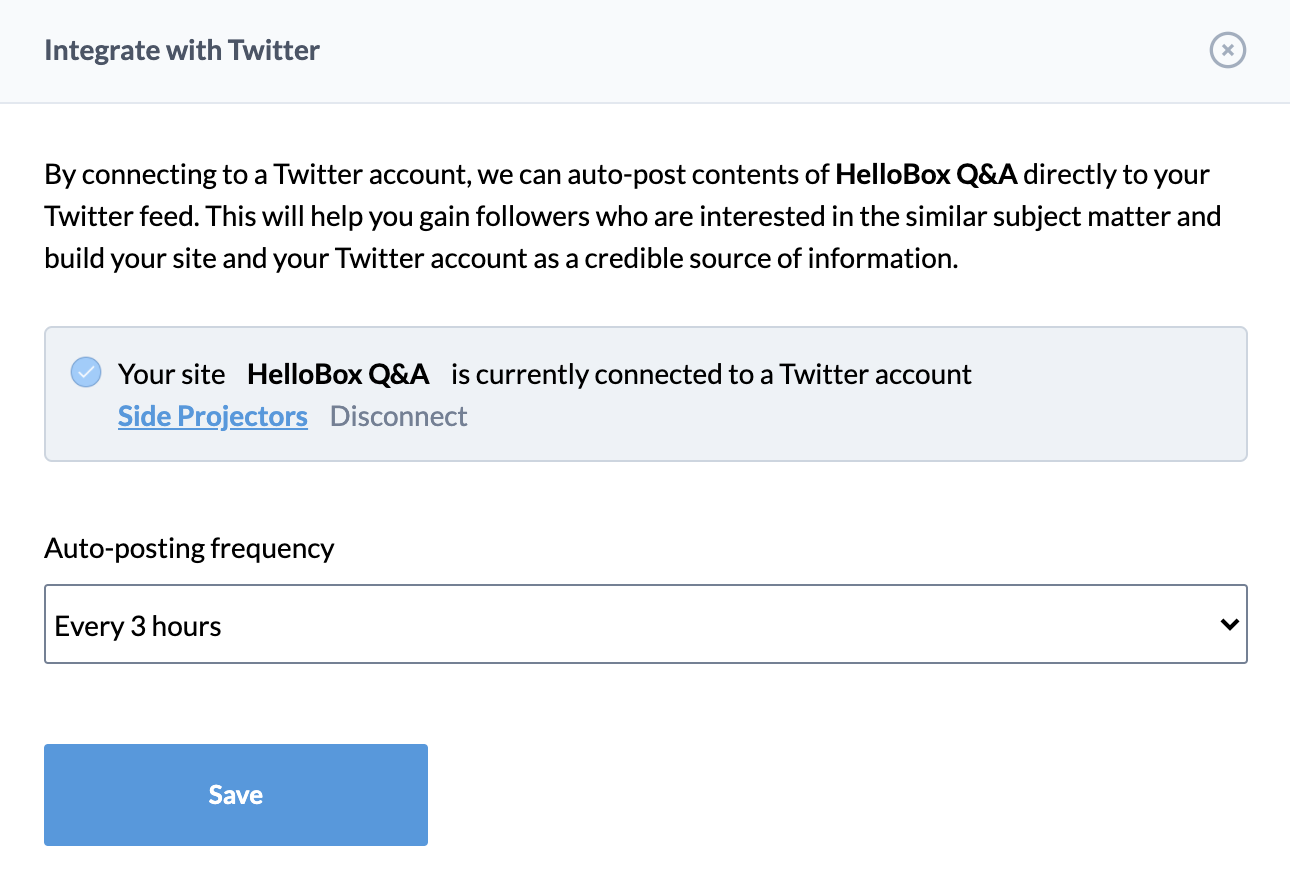
- Open Integrations in the admin panel.
- Select X / Twitter.
- Follow the connection flow and authorize the account.
- Choose how often HelloBox should share posts.
- Save the integration.
Use it intentionally
Auto-sharing works best when the account already has a clear audience. Keep the frequency conservative and review shared posts periodically so the account remains useful rather than noisy.