
Editor options
Choose the writing experience that best fits how members create posts in your community.
Choose an editor
HelloBox supports several post editors. You can choose the default editor from the content settings page in the admin panel. The right choice depends on how technical your members are and how much formatting control they need.
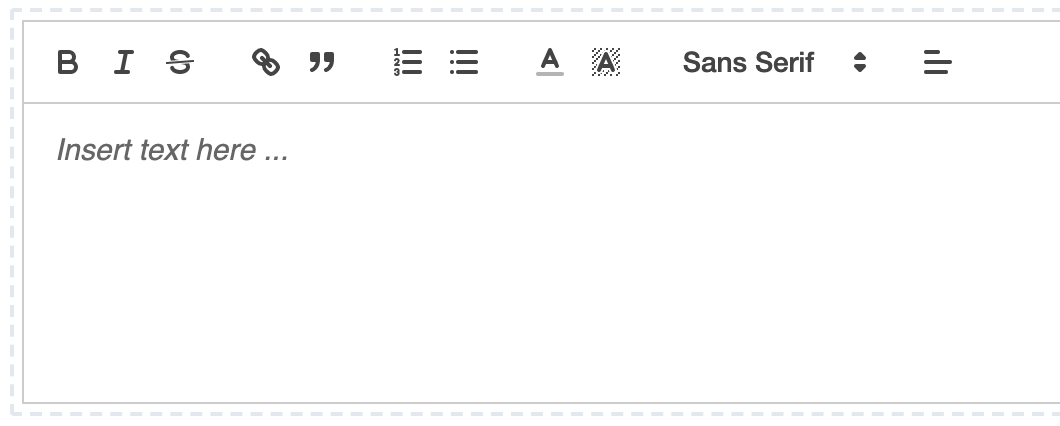
Rich text editor
The rich text editor is the safest default for most communities. It gives members familiar formatting controls without requiring them to learn a markup language.
Markdown editor
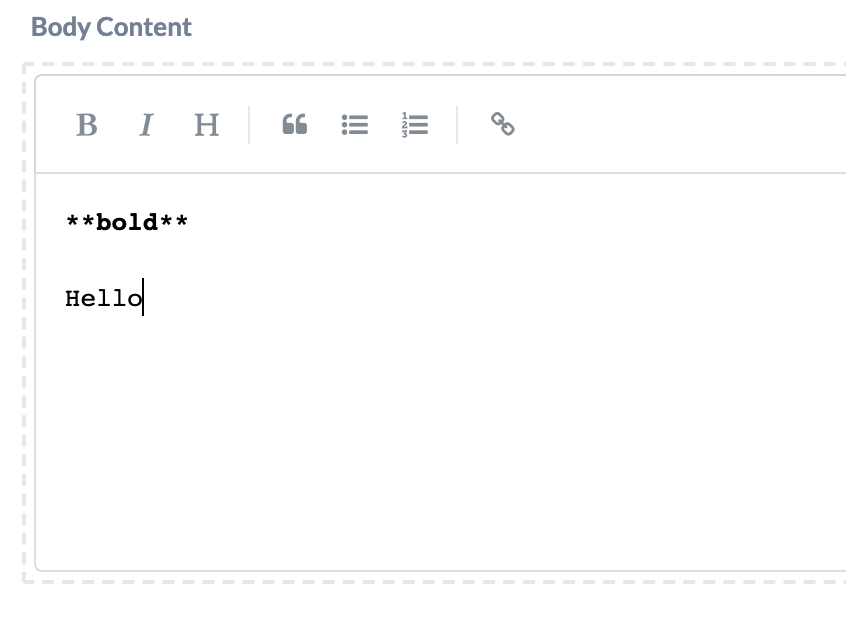
The Markdown editor is useful for technical communities, developer-focused sites, or teams that already write in Markdown. It keeps content portable and predictable.
Inline editor
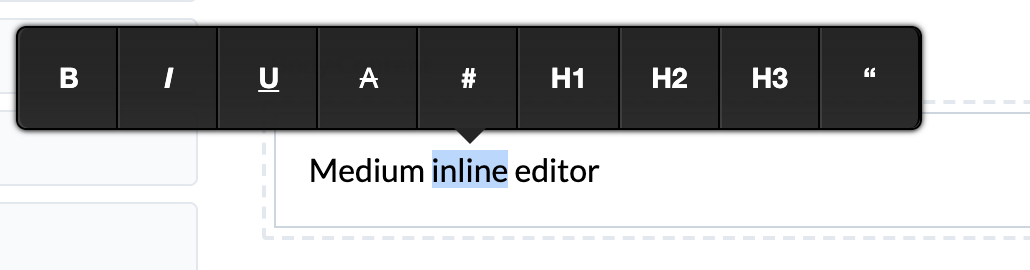
The inline editor shows formatting controls when text is selected. It is a clean option for communities that prefer a focused writing surface with fewer controls visible by default.
Changing editors later
You can experiment with different editors. Existing posts continue to render with the editor format they were created with, so changing the default does not rewrite older content.